


After-sales service CRM
Bring ticketing, warranty, authorized service partners, inventory and out-of-warranty billing into one platform.
Explore WorkScan
Give your service desk, field engineers, and customers one place to move every job from request to resolution.
Interactive product tour
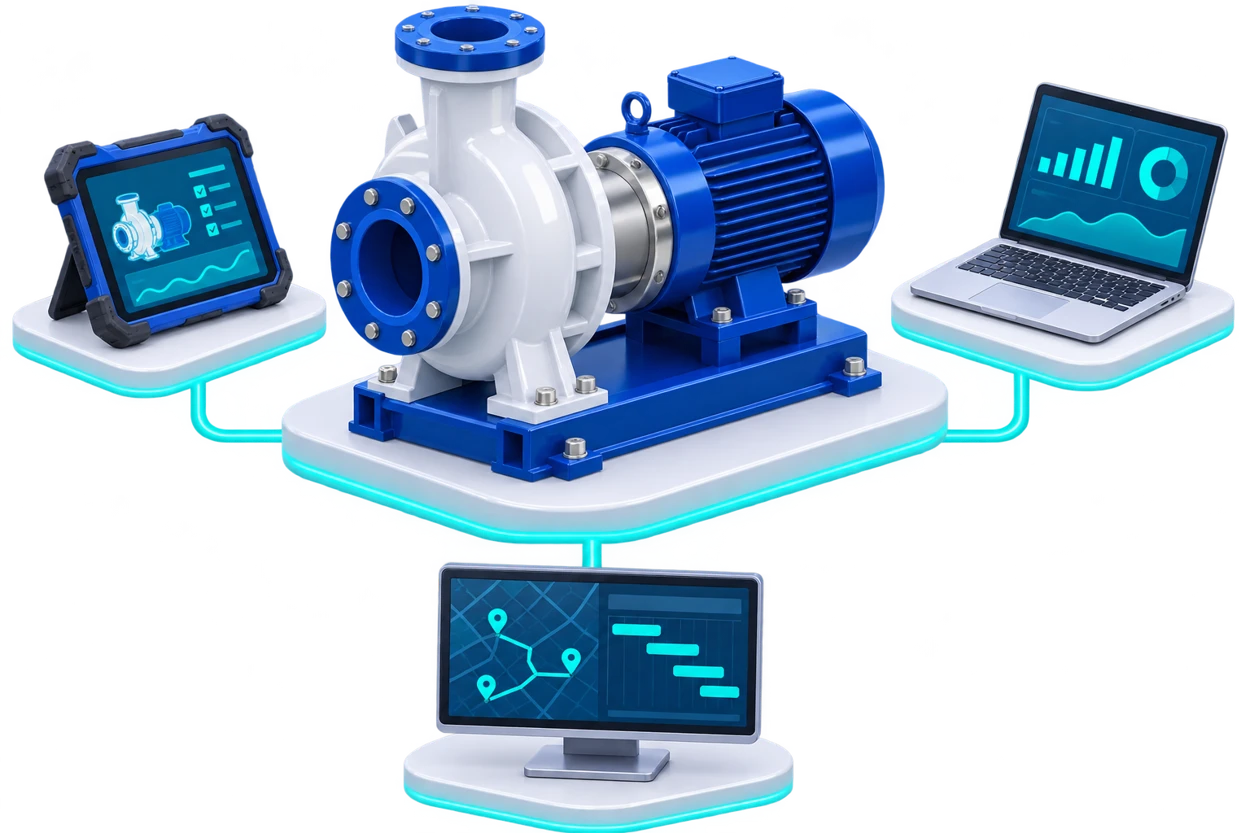
Switch between the service desk, customer portal and mobile app to see how each team works with the same service request.
Service CRM
The service process
Capture the issue and equipment details from the customer.
Check service history and confirm coverage before dispatch.
Send the job and checklist to the field engineer.
Record work completed and capture the customer’s sign-off.
The WorkScan ecosystem
See how a single request moves from customer support to field execution.
Customer Portal
The customer raises a service request against their equipment and can follow its progress from the portal.
Explore Customer PortalAbout NITC
We build CRM and field service tools for businesses that manage customers, equipment, and teams in the field.
Meet NITC
Bring ticketing, warranty, authorized service partners, inventory and out-of-warranty billing into one platform.
Explore WorkScan
Customer self-service
Give customers one place to raise requests, track service activity and manage asset information.
Explore Customer Portal
Field operations
Give engineers, sales teams and service leaders tools designed around their day-to-day work.
Explore Mobile AppWorkScan capabilities

Consolidate service requests into job sheets and diagnose issues before sending an engineer.
Explore capability
Check equipment serial numbers and confirm warranty entitlement before work begins.
Explore capability
Track spare parts and defective returns across warehouses, service partners and repair facilities.
Explore capability
Calculate travel, labour, parts and GST for out-of-warranty jobs.
Explore capabilityTeams connected by WorkScan

WorkScan capabilities
Consolidate customer requests into job sheets and diagnose issues before dispatch.
Review serial numbers, warranty entitlement, and service history together.
Send job checklists to technicians and capture customer sign-off on site.
Bring a sample job, warranty question, or dispatch challenge to the demo.
Yes. Through the Customer Portal, they can submit requests and follow service activity for their equipment.
WorkScan checks entitlement against a central serial number bank and supports customised B2B warranty rules.
WorkScan calculates travel, labour, parts and applicable GST for customer invoices.